
All-in-One Creative & File Toolkit
Generate realistic voices, remove backgrounds, transcribe audio, build business cards, and merge documents in seconds.
A few AI tools have daily free limits (Dubbing: 3/day). Login is optional.
Most used
Featured AI & media tools
The six tools users open most often.
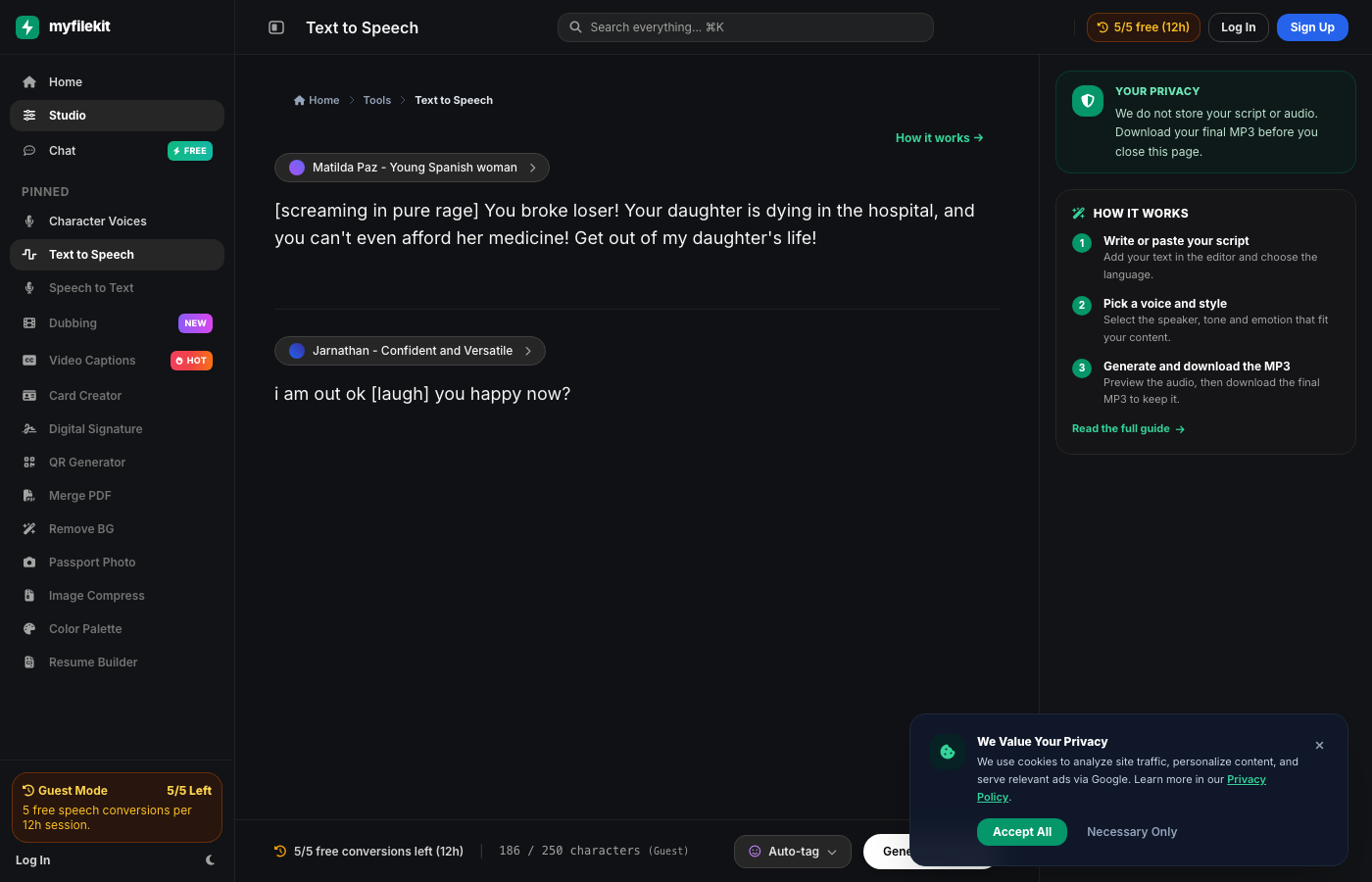
Text to Speech
Write a script, choose a natural voice and download a clean MP3.
Character Voice
Create expressive character and cartoon voices with emotions and dialogue mode.
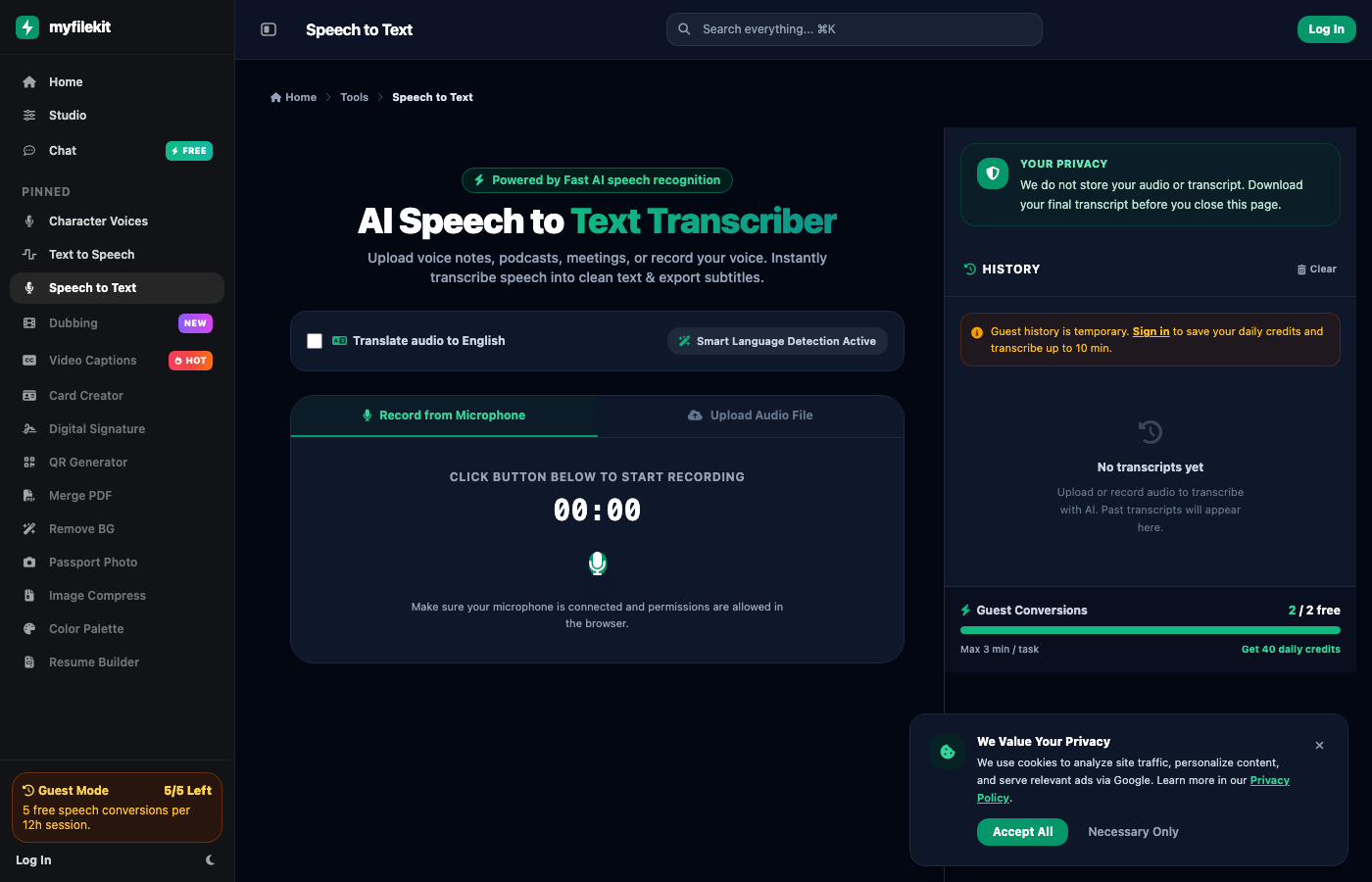
Speech to Text
Transcribe audio with your microphone or upload a file and export SRT, VTT or text.
Video Dubbing
Dub a video into another language with natural voices while keeping the timing.
Video Captions
Generate, style and export timed captions for any video.
AI Assistant
Ask questions, draft copy and get quick writing help from the AI assistant.
More free tools
Images, documents, cards and AI — all free to use.
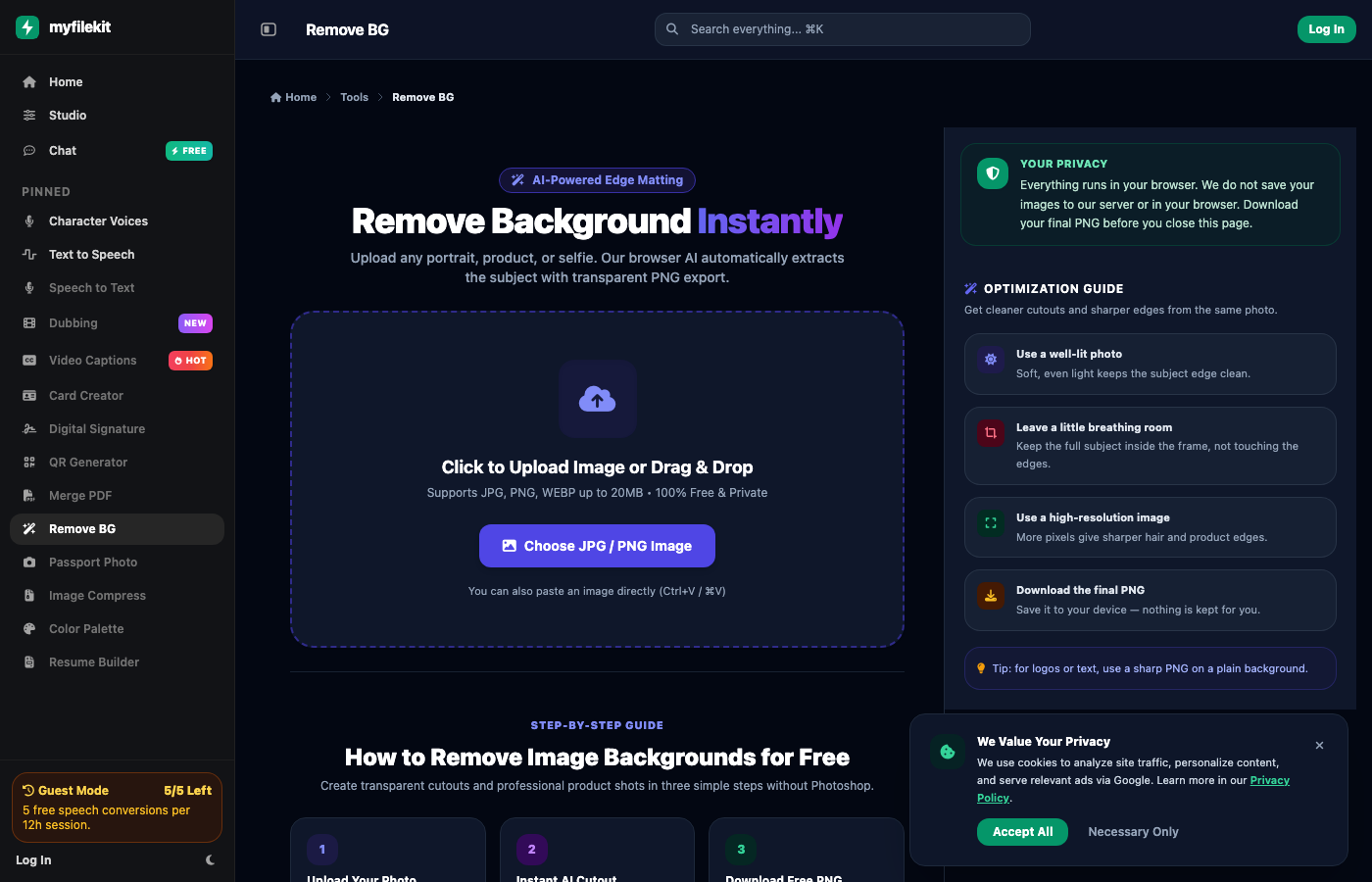
Remove BG
HD transparent cutouts
Card Creator
Business cards in minutes
Passport Photo
2x2 print-ready sheets
Signature Maker
Transparent PNG signature
QR Generator
Links, text and contacts
Merge PDF
Combine PDFs privately
Image Compress
Smaller JPG and PNG
Resume Builder
ATS-ready DOCX and PDF
Why MyFileKit
What is MyFileKit?
MyFileKit is a browser-based toolkit for the small file jobs that slow people down: turning a script into a voiceover, removing a background from a product photo, transcribing an interview, making a business card or merging a few PDFs. You do not need to install an app or learn a professional editor to finish one task.
Every tool opens in the browser and is built around a clear output: an MP3, a transparent PNG, an SRT file, a PDF or a print-ready sheet. The five most-used tools are featured on this page; the full set is in All Tools.
How it works
Pick the job. Choose a featured tool or browse the full toolkit. Each card tells you what the tool produces.
Add your file or text. Upload an image or audio file, paste a script, or record with your microphone. Nothing complicated to configure.
Preview and download. Check the result, make one small adjustment if needed, then download the final file before you close the page.
Who is it for?
Students, job seekers, small business owners, social media creators and anyone who needs a quick file task without a subscription. If you make a product listing, a lesson, a job application or a short video, there is probably a tool here for the file step.
Why is it free?
The tools are free to use. There is no credit card and no subscription. A few AI tools have daily free limits because processing audio and images has a real cost; the limits are shown in the tool and in the badge above. Login is optional and only helps save history and credits.
Your privacy
Files are processed only for the tool you use. Download the final file before closing the page; we do not keep a permanent library of uploads. Do not upload sensitive documents you would not share with an online processing service. Read the Privacy Policy for the full picture.
Practical guides
Real workflows, examples and limitations — not keyword filler.
7 min read
How to Create a Realistic AI Voiceover
Script, voice choice, pronunciation and export — a repeatable voiceover workflow.
6 min read
How to Remove a Background for Product Photos
Cleaner cutouts, better lighting and the right PNG/JPG choice.
7 min read
How to Transcribe Audio to SRT or VTT
Record or upload, fix the transcript, check timing and export subtitles.
Frequently asked questions
Is MyFileKit free?
Yes. There is no credit card, no subscription and no signup required to start. A few AI tools have daily free limits; the rest of the tools are free to use.
Do I need an account?
No. Login is optional and only helps save your history and credits. You can open any tool and start without creating an account.
Do you store my files?
Files are processed only for the tool you use. Download the final file before closing the page; we do not keep a permanent library of your uploads. See the Privacy Policy for details.
Which tools are included?
Fourteen tools for voice, audio, images, PDFs, cards and identity. The five most-used are featured above; the rest are in More free tools and in All Tools.
Does it work on mobile?
Yes. The tools run in a modern mobile or desktop browser. Some tools use your microphone, so allow microphone permission when prompted.
Still unsure? Contact us or read About MyFileKit.